Master Your Bike Fit
Achieving comfort and power doesn't require a studio. Follow this guide to get professional results at home.
1. Setup Your Station
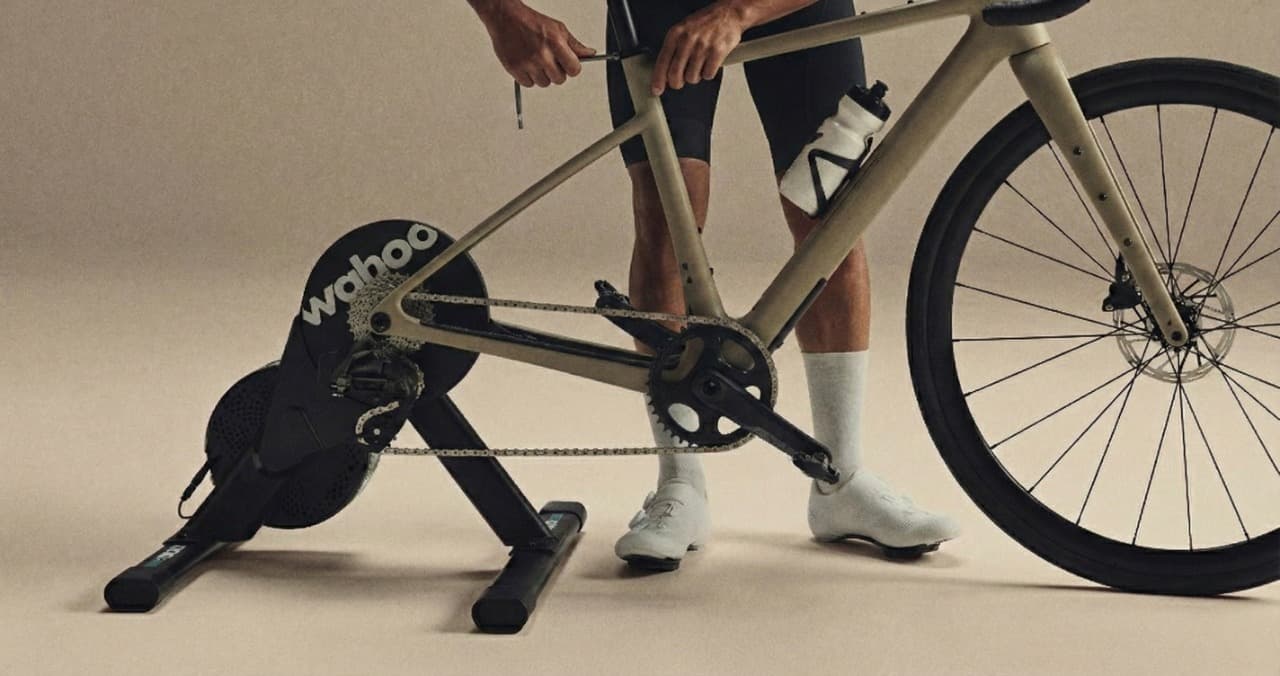
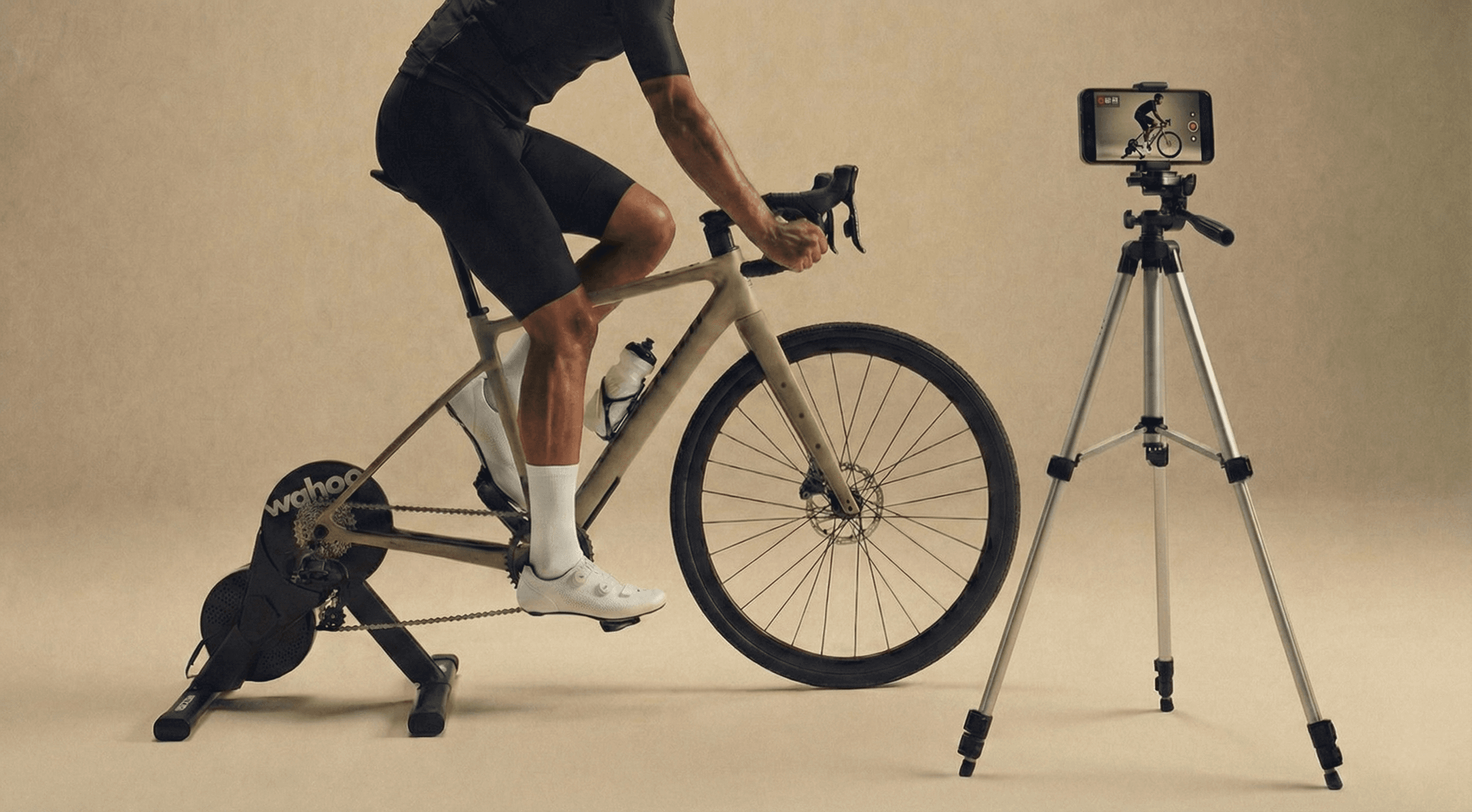
Place your bike on a stationary trainer. Ensure you have good lighting and a clear background. Position your camera (phone or webcam) strictly from the side (90° angle), level with your torso/hips.
2. Record Your Movement
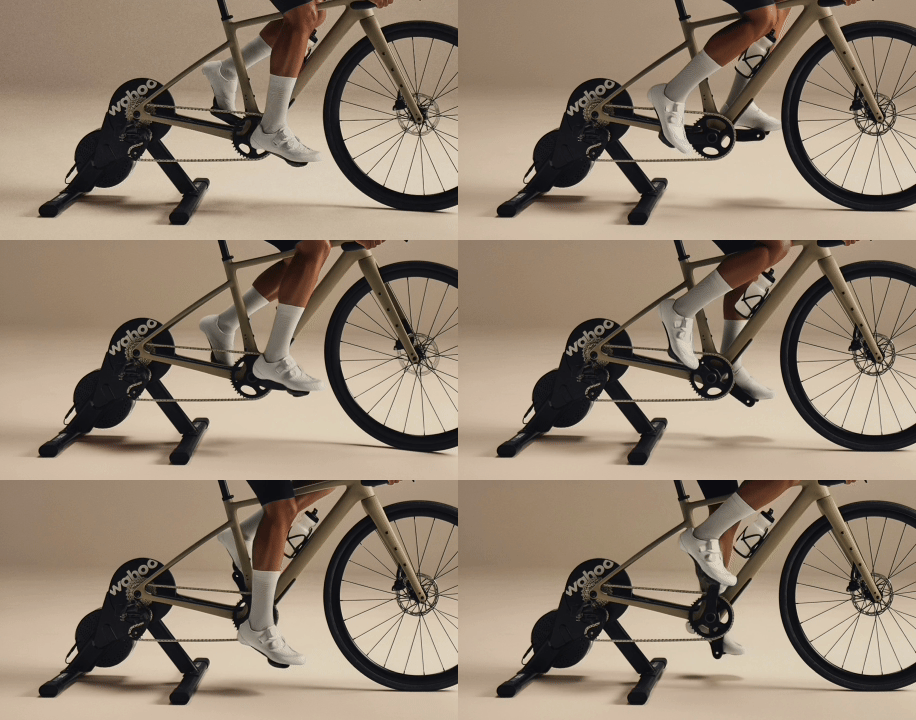
Wear tight-fitting clothing (cycling kit is best) so our AI can see your joints clearly. Record 30–90 seconds of steady pedaling at 80–90 RPM — longer videos produce more accurate measurements. Lower cadences and higher frame rates (60 fps) also improve precision.
3. Upload to Platform
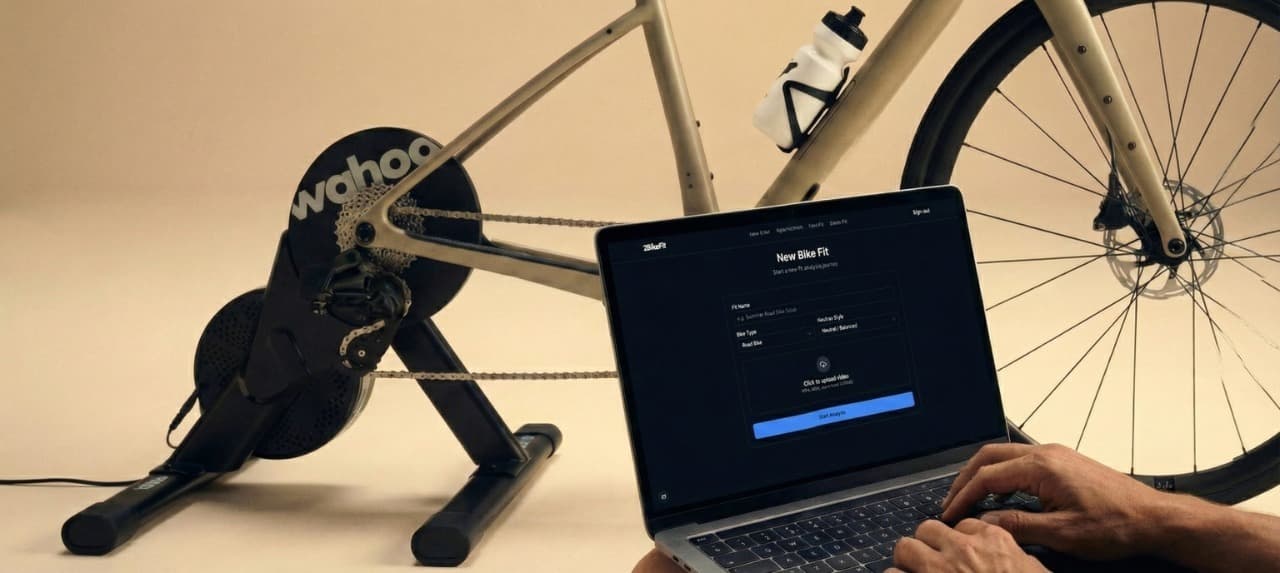
Log in to 2BikeFit and use the simple drag-and-drop interface to upload your video file. We support most common formats (MP4, MOV).
4. AI Analysis
Our computer vision algorithms automatically detect 24 key anatomical landmarks. We calculate dynamic joint angles (knee extension, hip angle, shoulder reach, etc.) in real-time.
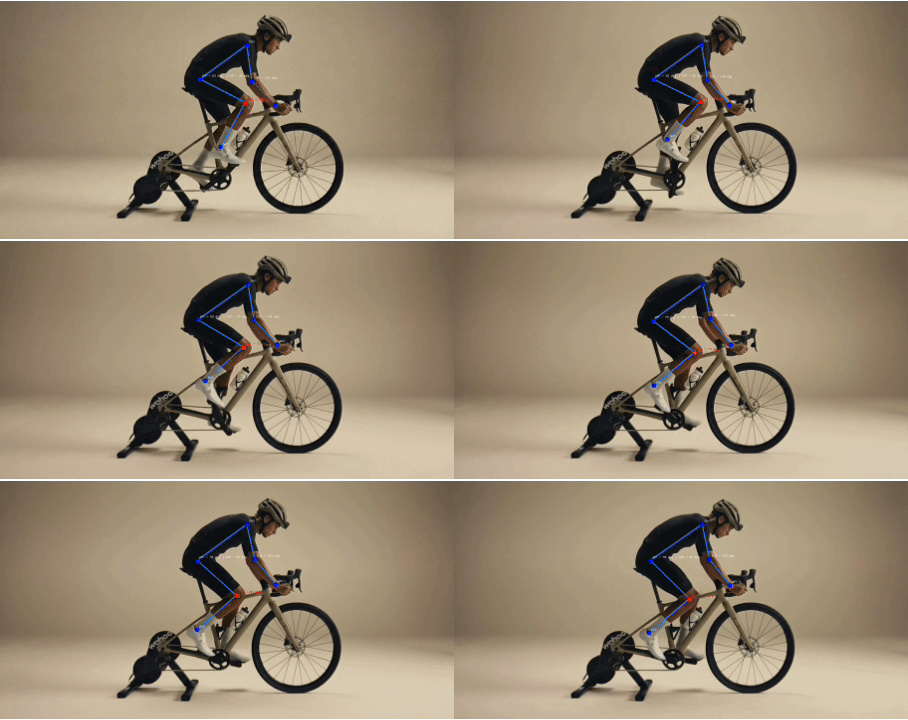
5. Adjust & Iterate
Review your personalized report. We prioritize changes (e.g., 'Raise Saddle 5mm'). Make the adjustment, record again, and compare the results to dial in your perfect fit.